STOP STRUGGLING WITH SCATTERED PERSONAL FINANCES —TAKE CONTROL— ALL IN ONE EXCEL SYSTEM
Frequently Asked Questions
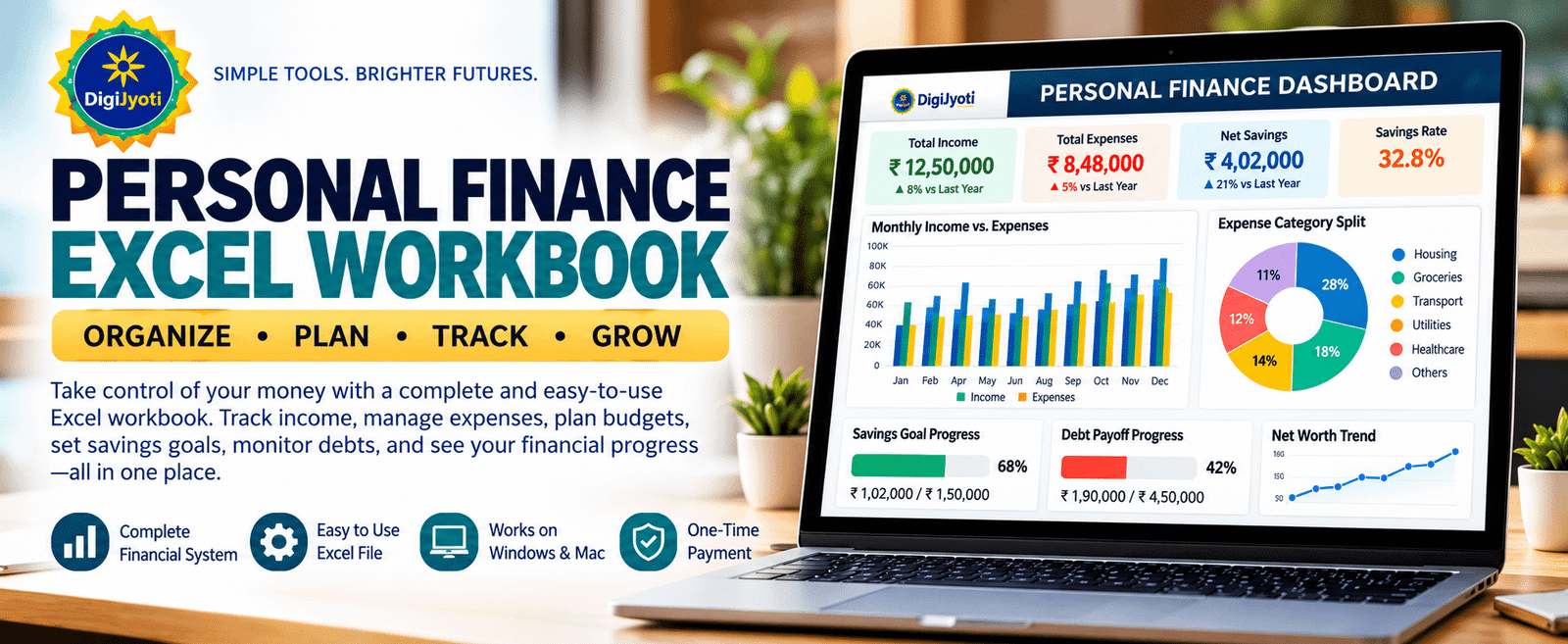
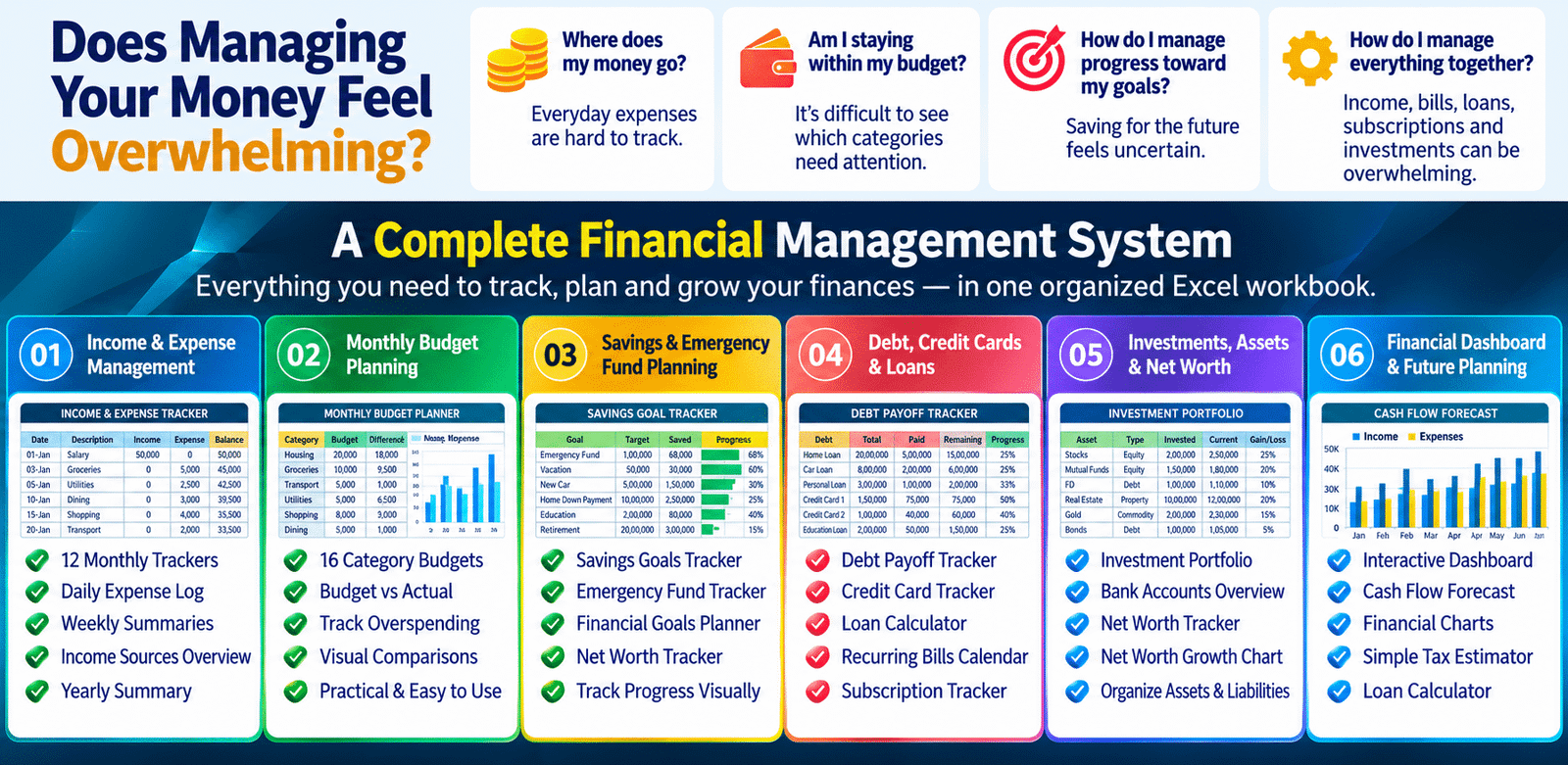
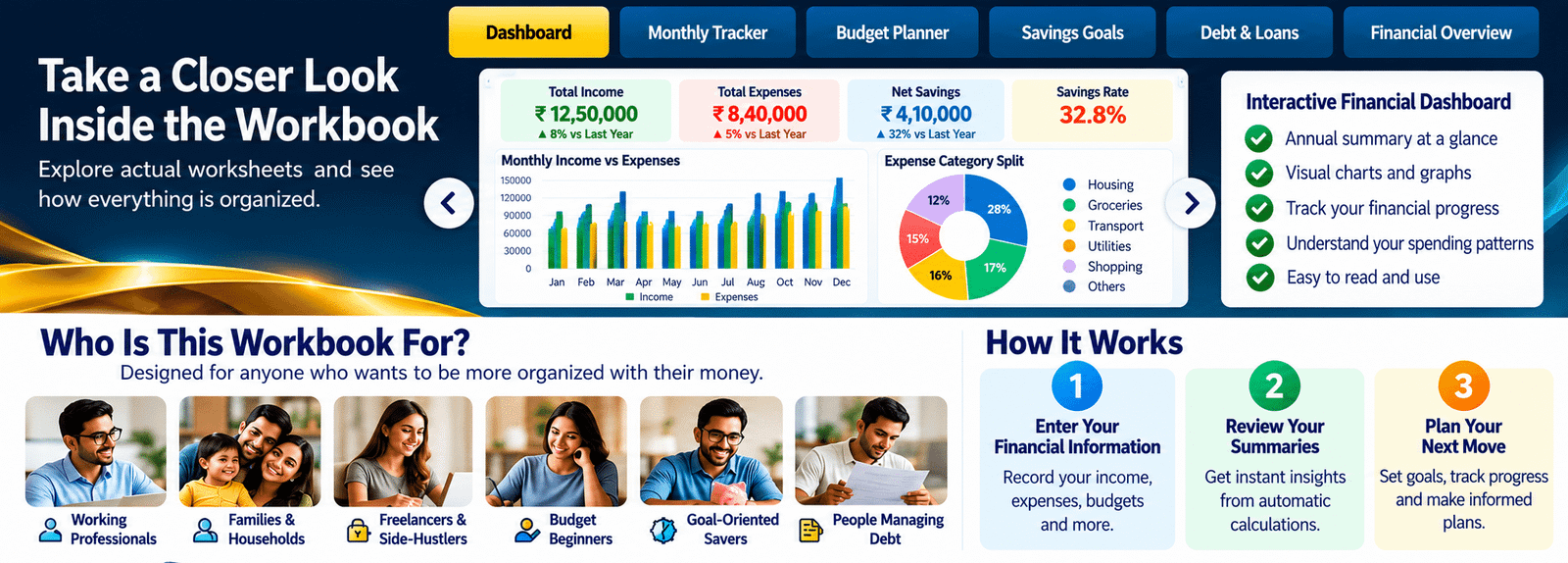
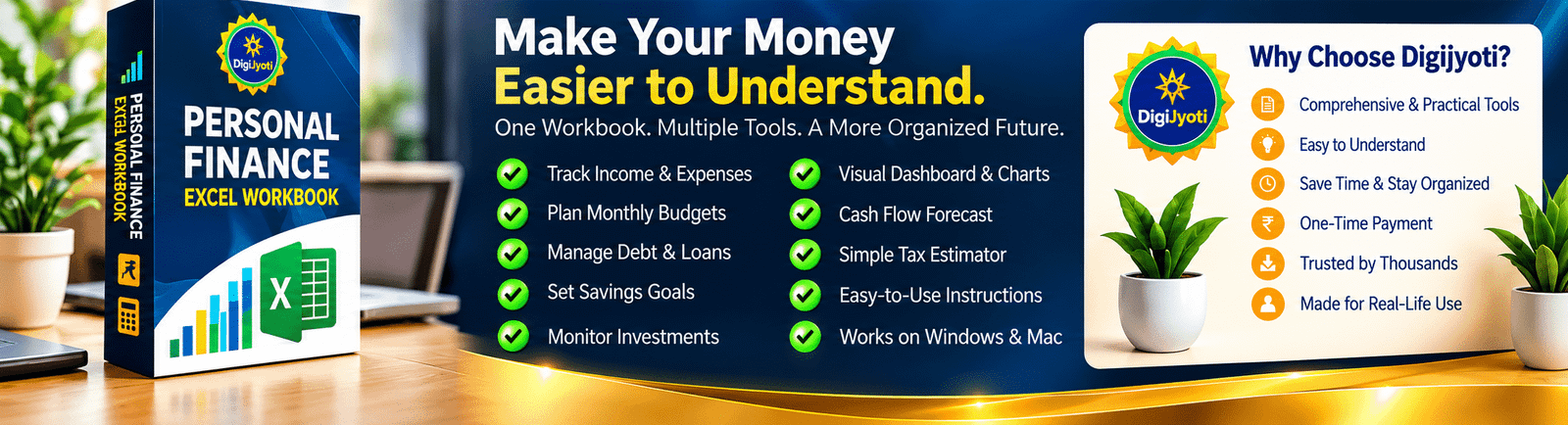
The DigiJyoti Personal Finance Excel Workbook is a comprehensive spreadsheet-based personal finance management tool. It includes 12 monthly income and expense trackers, an interactive financial dashboard, 10 category budget trackers, a daily expense log, weekly summaries, savings goals, an emergency fund tracker, debt and credit card trackers, a loan calculator, investment portfolio tracking, net worth tracking, recurring bills, subscription management, and a cash flow forecast for 2027. It also includes financial charts, a tax tracker, and an instruction sheet to help you get started.
No advanced financial knowledge is required to get started. The workbook includes an Instructions sheet and a colour-coded system to help you identify where to enter information. Blue-font cells are for user inputs, black-font cells contain formulas, and green-font cells link information from other worksheets. Basic familiarity with Excel will help you use the workbook more confidently.
Yes. Enter your income and expense transactions in the relevant monthly worksheets, from January to December. The workbook uses formulas to calculate totals and organize financial information. Your dashboard, yearly summary, category budgets, and charts can then reflect the information entered into the relevant worksheets. For accurate results, select the appropriate expense categories and avoid overwriting formula cells.
Yes. The workbook includes 10 dedicated category budget trackers covering housing, utilities, groceries, transportation, health and insurance, entertainment, shopping, education, debt payments, and miscellaneous expenses. You can set a monthly budget for each category and compare it with your recorded spending to identify areas that may need attention.
Yes. The Savings Goals Tracker helps you organize your savings targets and record your progress. The Emergency Fund worksheet provides a dedicated place to plan and monitor your emergency savings. You can use these tools to keep your goals visible and review your progress as you update your financial information.
Yes. The workbook includes a Debt Payoff Tracker, Credit Card Tracker, Loan Calculator, Recurring Bills worksheet, and Subscription Tracker. These tools help you organize balances, repayment information, credit card details, loan estimates, recurring payments, and subscriptions. The loan calculator estimates payments based on the figures you enter; actual loan terms and charges may differ.
Yes. The workbook includes dedicated worksheets for your Investment Portfolio, Bank Accounts, and Net Worth Tracker. These allow you to record relevant financial information and review your assets, liabilities, account balances, and investments in a more organized way. The results depend on the information you enter and maintain; the workbook does not establish automatic bank or investment account synchronization.
Yes. The Dashboard and Yearly Summary provide an overview of your recorded income, expenses, savings, and other financial figures. The workbook also includes charts for income versus expenses, category spending, savings trends, and net worth. In addition, the Cash Flow Forecast worksheet for 2027 lets you explore projected income, expenses, and net cash flow using adjustable assumptions. Forecasts are estimates, not guarantees of future financial results.
The workbook includes a Simple Tax Estimator that provides an approximate calculation based on the income, deductions, and flat tax rate entered. It is intended for basic financial planning only and does not account for every applicable tax rule, deduction, exemption, or individual circumstance. It should not be used as a substitute for an official tax calculation or professional tax advice. Consult a qualified tax professional for guidance specific to your situation.